Docs / Using POLYMIRA
Store, themes and mods
Install apps, emulators, themes and community mods.
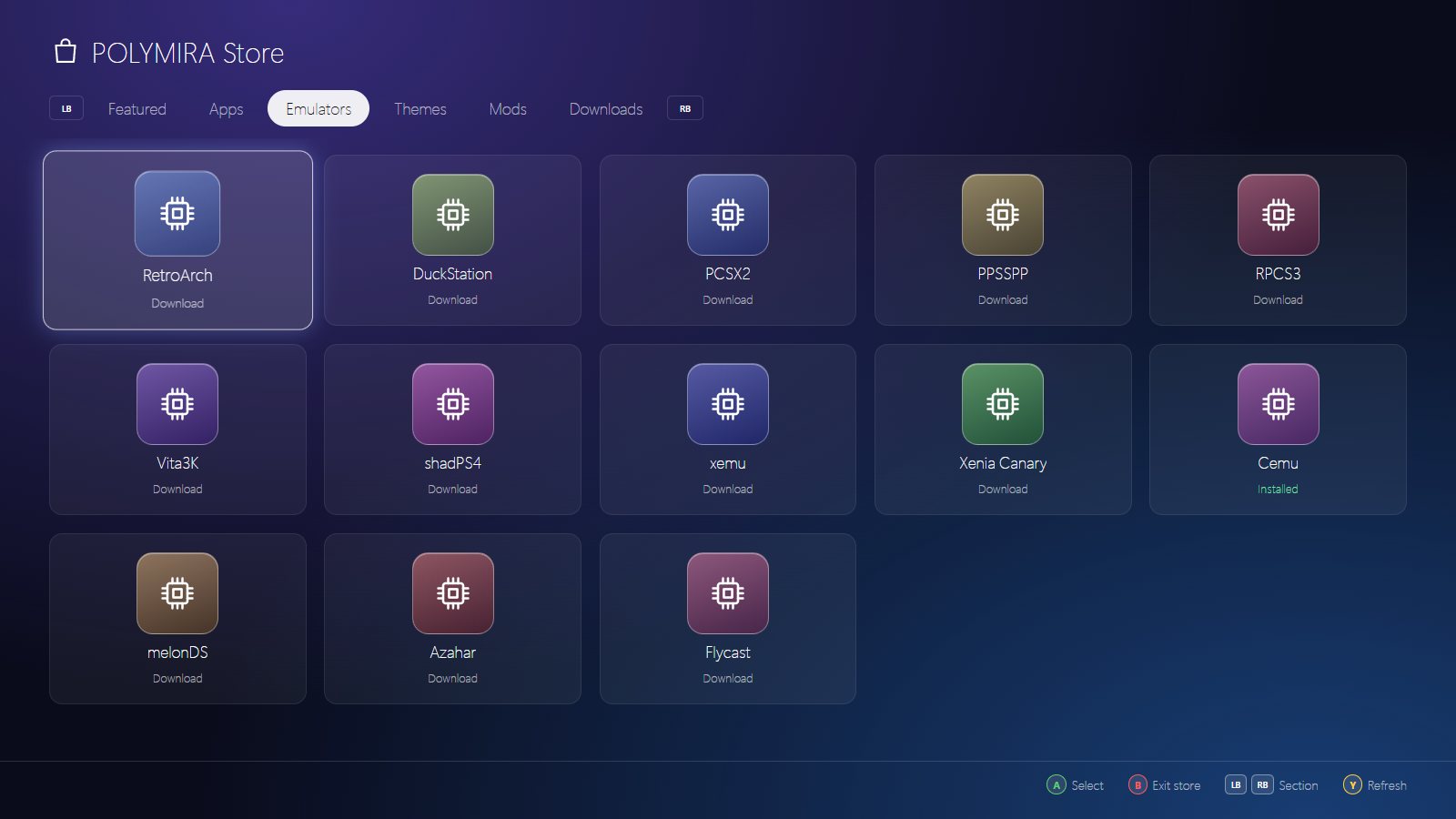
Open the store from the Store category. Switch sections with LB / RB: Featured, Apps, Emulators, Themes, Mods and Downloads.
Themes
Themes change the background colour and can add CSS. Apply one from the store, or drop a .json file into the themes folder (Store → Mods → Theme folder):
{ "name": "My theme", "hue": 210, "night": false, "css": ":root { }" }Mods
A mod is a folder in the mods folder with a mod.json (name, description) and a style.css. Mods change how the interface looks; they cannot run code. Turn them on and off in Store → Mods.
Community catalog
The store also reads community/catalog.json from the GitHub repository. Anyone can add a theme, mod or app with a pull request; the format is described in community/README.md.