Docs / Getting started
Introduction
What POLYMIRA is and what it does.
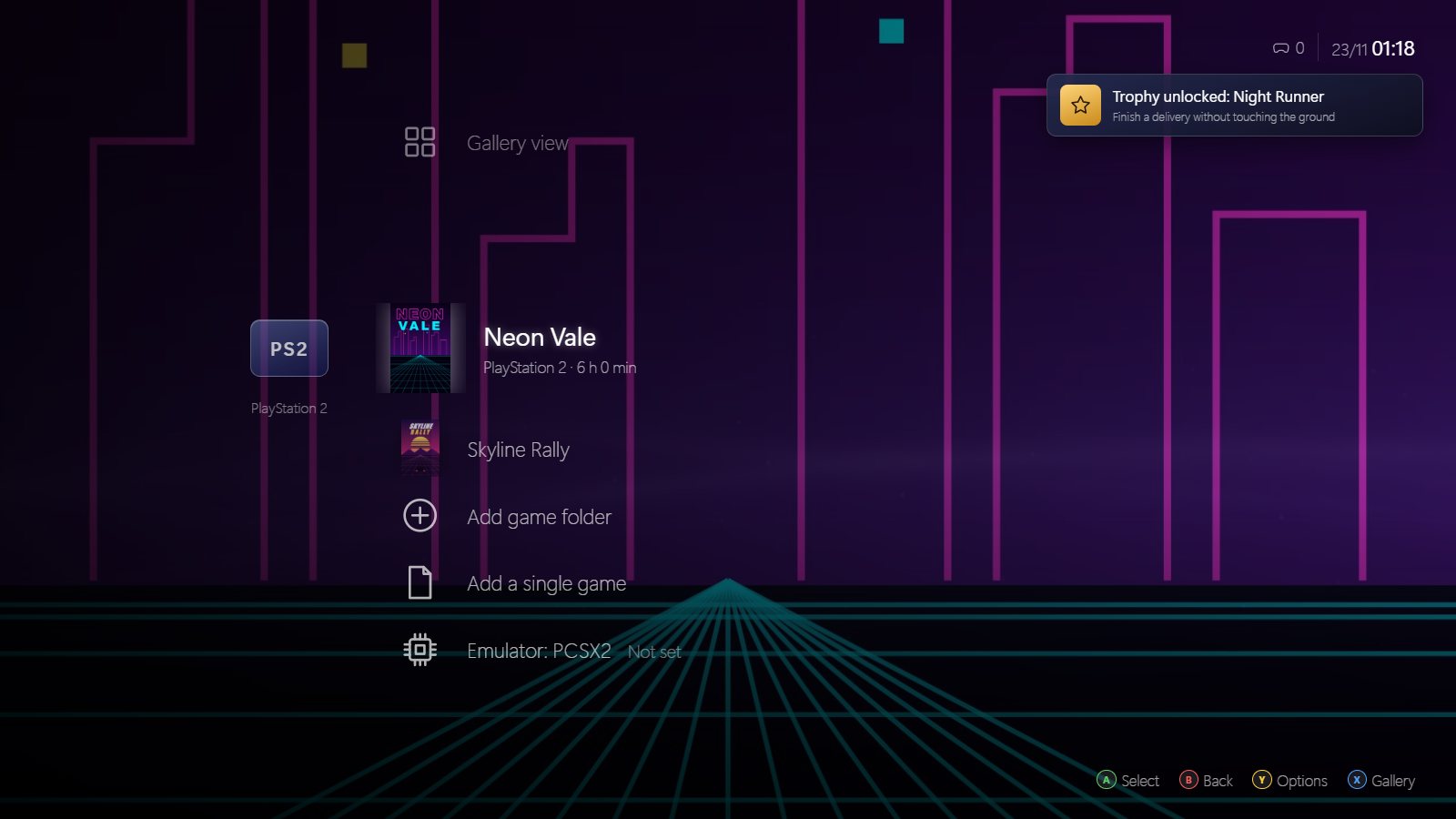
POLYMIRA is a full-screen frontend for Windows that turns a PC into something that behaves like a game console. It collects the games you already have — store games and emulated console games — into one menu, starts them, and gives you a console-style menu on top of them while they run.
What it does
- Finds games from Steam, Epic Games, the Xbox app, GOG, EA, Ubisoft Connect, Battle.net and Riot, plus ROMs and disc images for emulated systems.
- Downloads emulators from their official sources and configures their controller settings before a game starts.
- Opens an in-game menu on the controller's Guide button: pause, screenshot, quick save, performance, quit.
- Keeps play time, trophies and save backups for everything in the library.
What it does not do
- It does not include or download games, BIOS files, firmware or encryption keys.
- It does not replace Steam or other launchers. Store games still start through their own launchers.
- It does not move, copy or modify your game files.
Requirements
| Item | Requirement |
|---|---|
| Operating system | Windows 10 or 11, 64-bit |
| Disk space | About 350 MB for the app, plus space for emulators you download |
| Input | Any controller supported by Windows, or a keyboard |