Docs / Getting started
First run
The welcome wizard, step by step.
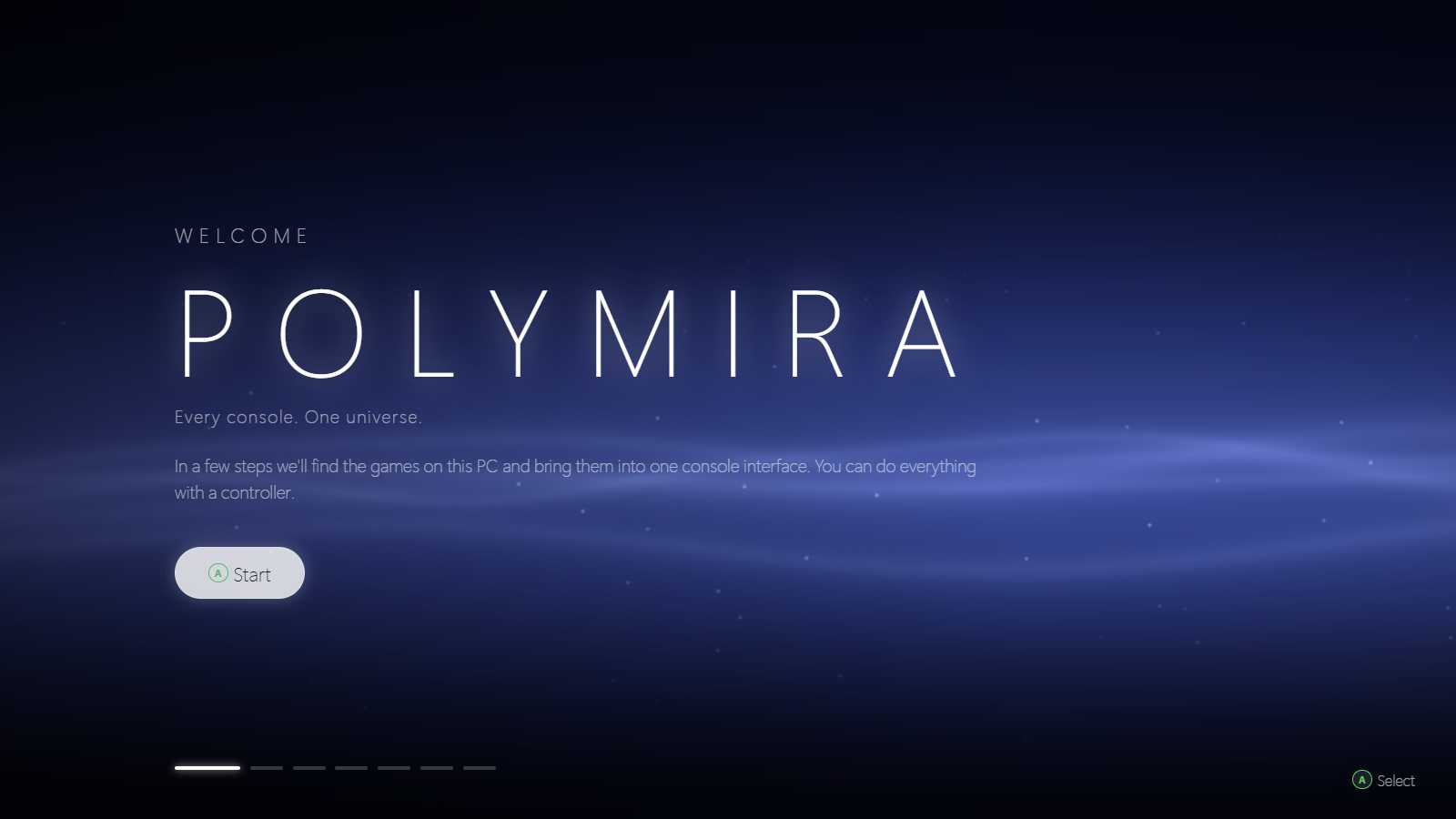
The wizard runs full screen the first time you open POLYMIRA. You can run it again later from Settings → Game Mode & System → Run the setup wizard again.
- Controller. Connect a controller and press any button. A keyboard works too (Enter).
- Scan. POLYMIRA reads the Steam, Epic, GOG, Xbox app, Riot and Ubisoft libraries, looks through installed programs for other games, finds installed emulators and scans folders whose names suggest games or ROMs on every drive.
- Results. Found games are grouped by source. Untick anything you don't want and choose Add selected.
- Emulators. Emulators needed for the games you added are preselected for download. Downloads run in the background.
- Game mode. Choose what happens while you play: higher CPU priority, a performance power plan, and optionally closing the Windows desktop.
Nothing is copied or moved during the scan. Games stay where they are; POLYMIRA only remembers their paths.